
3 Simple Tech Upgrades You'll Wonder How You Lived Without (For A More Organized & Efficient Setup)
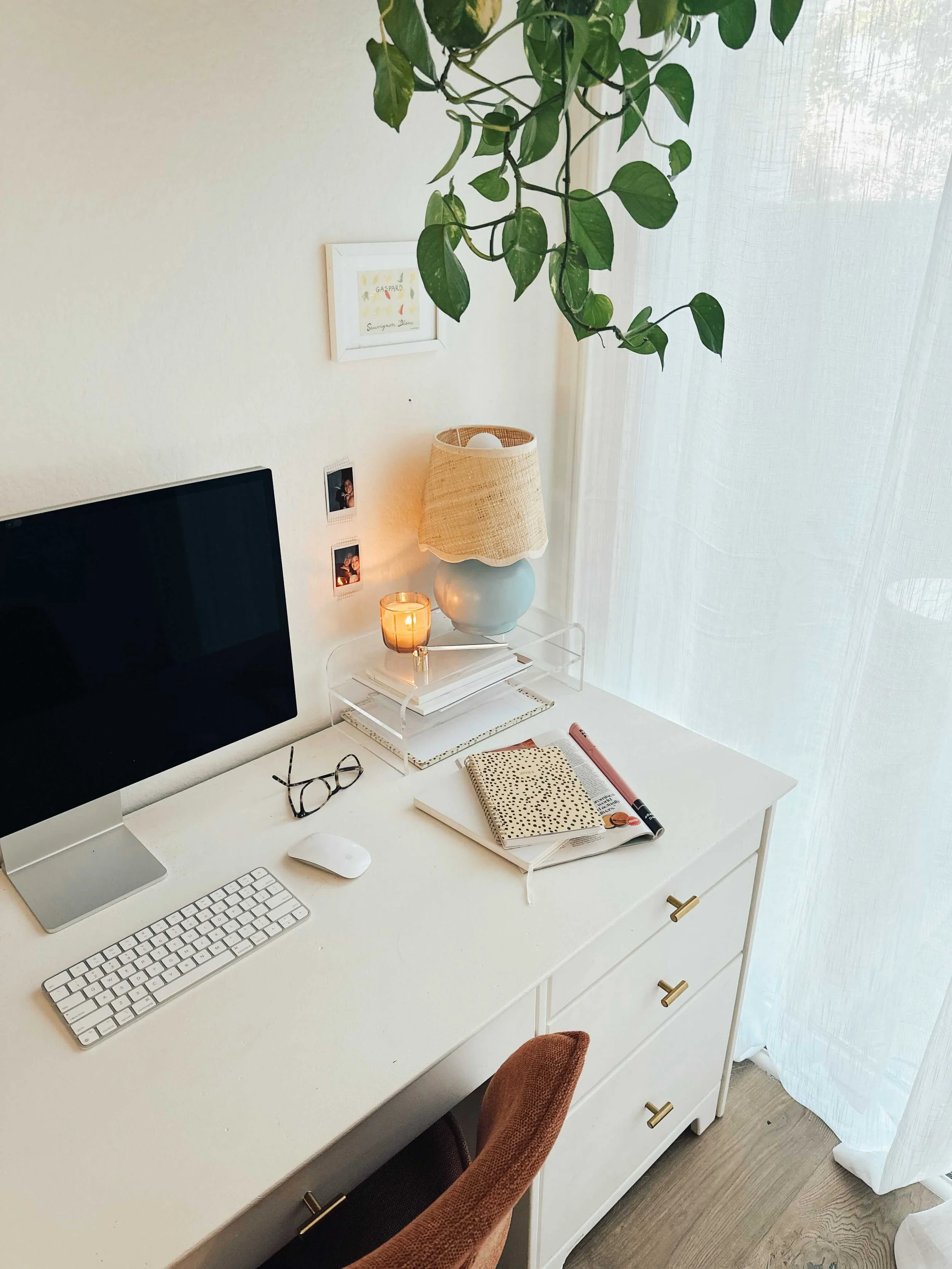
This post about ways to upgrade your tech setup contains a collaboration with PCLiquidations.
I spent years grinding for hours and still feeling behind! I blamed my lack of focus when the real culprits were a spinning loading wheel, severe screen glare, and constant message pings.
So, take it from me - a few simple upgrades to your tech can make a massive difference in your focus and overall productivity. Here are the things that made the biggest difference for me - and will for you too!
#1: Maximize Your Computer’s Performance
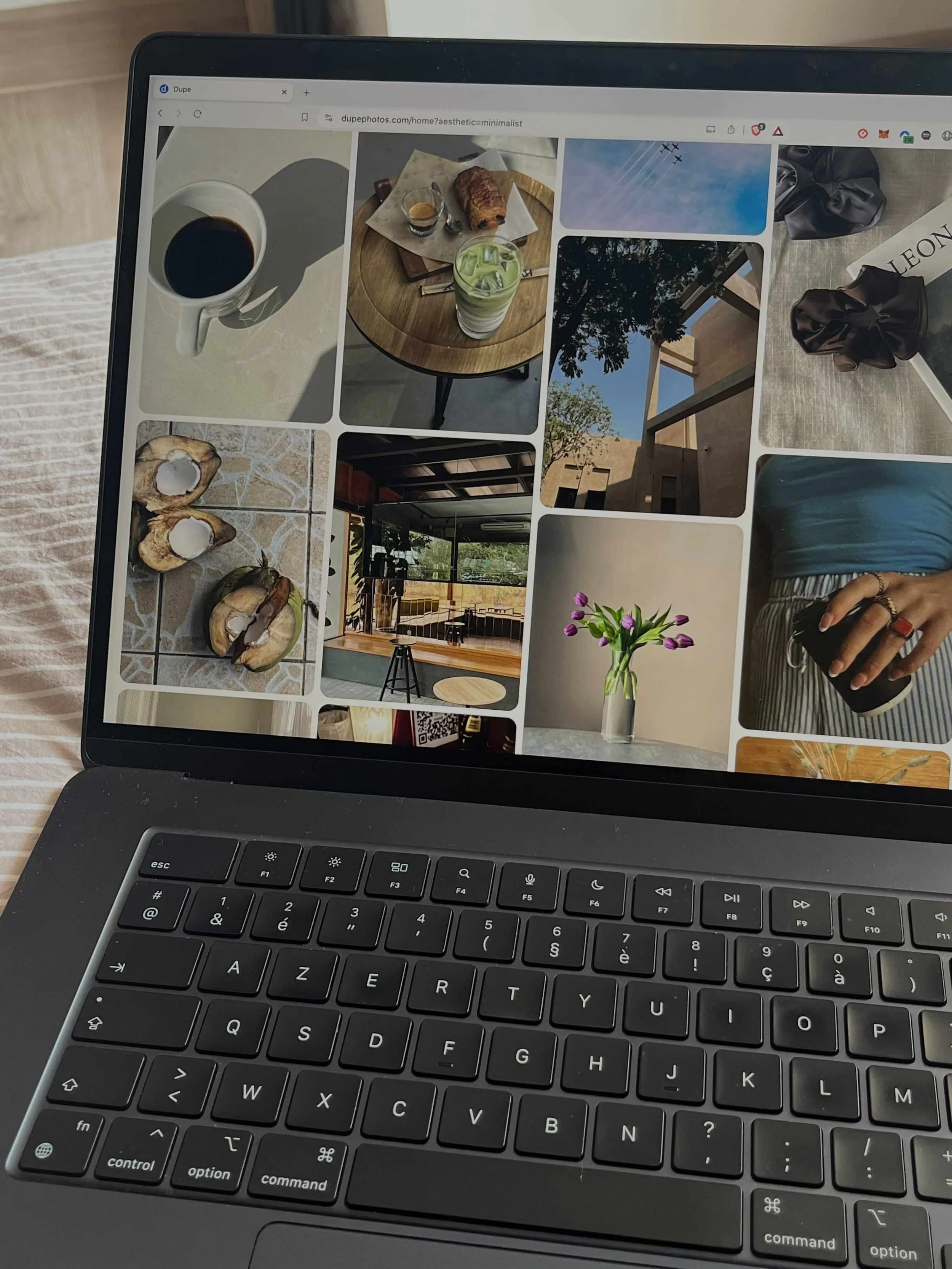
A slow boot sequence or a frozen browser tab instantly kills focus and momentum during a deep work session.
If you don’t want to buy all new tech, optimize your current device by disabling startup programs in Task Manager, clearing local storage, and running a standard disk cleanup.
If your motherboard supports it, installing an additional 8GB or 16GB of RAM provides immediate speed improvement - especially when you have multiple apps open.
But eventually, software optimization hits a hard ceiling, which means upgrading your tech becomes necessary.
Don’t worry - you don’t have to buy a brand-new release at full retail price if you don’t want to. Try certified refurbished laptops from PCLiquidations instead. This is a fantastic way for you to still get a quality device that meets all your needs at a fraction of the retail cost!
#2: Get Rid Of Distractions
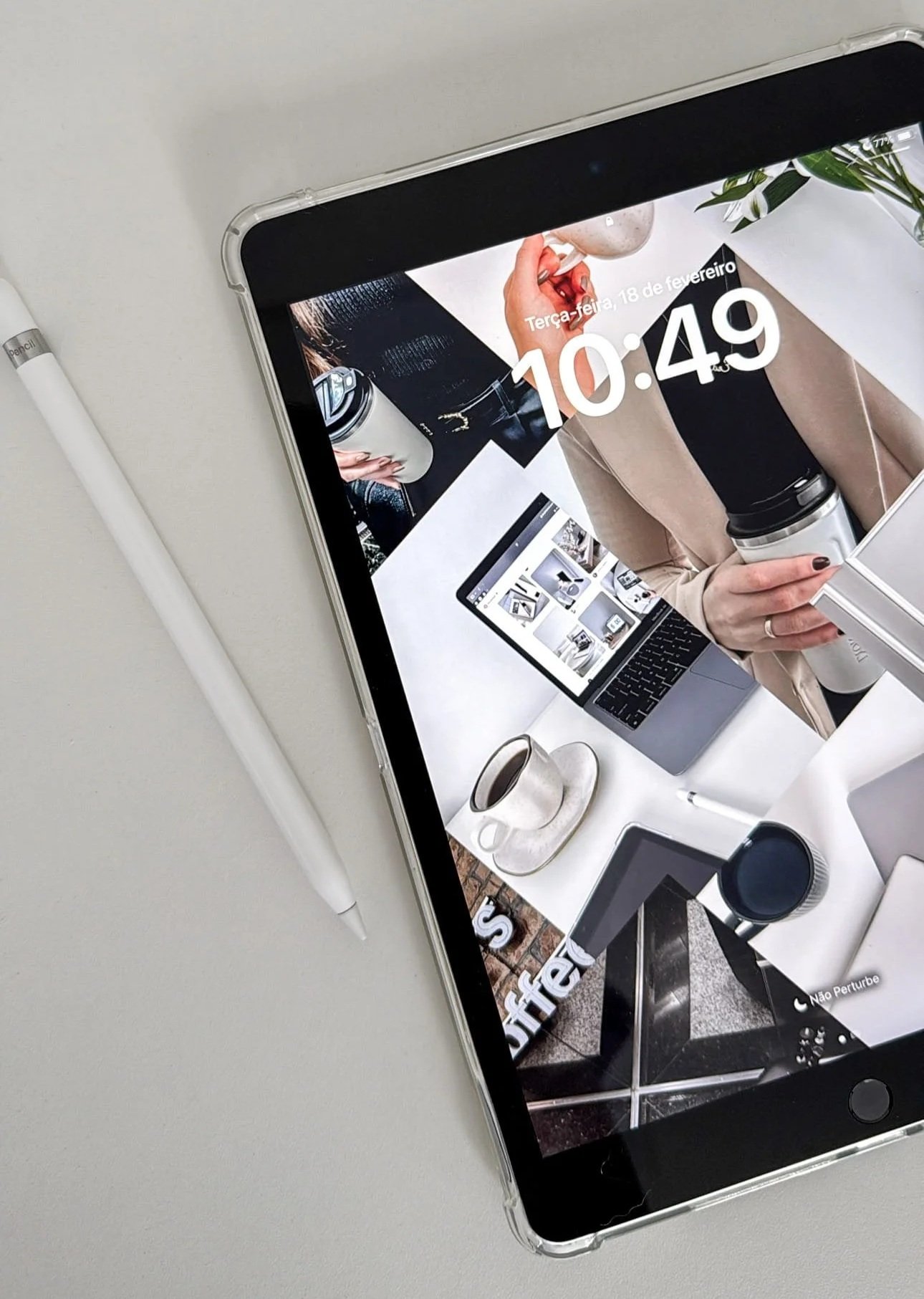
Here are some game-changing ways to minimize distractions and get your work done faster!
Silence non-essential notifications (on all your devices!)
Keep the open browser tabs to a minimum by using a tab limiter like OneTab or a site blocker extension
Create separate browser profiles/computer logins for work and personal
Do a massive file declutter
Close any open apps you don’t need when you’re working
Use noise-cancelling headphones
Put your phone in another room while you work
2-minute rule: if a task takes less than two minutes, do it immediately
Start with your hardest task first - you’ll feel infinitely better with it done and over with
Use a second monitor (less tab-switching means fewer opportunities to get sidetracked)
Make tomorrow’s to-do list at the end of each day
#3: Set Up Your Workspace With Ergonomics In Mind
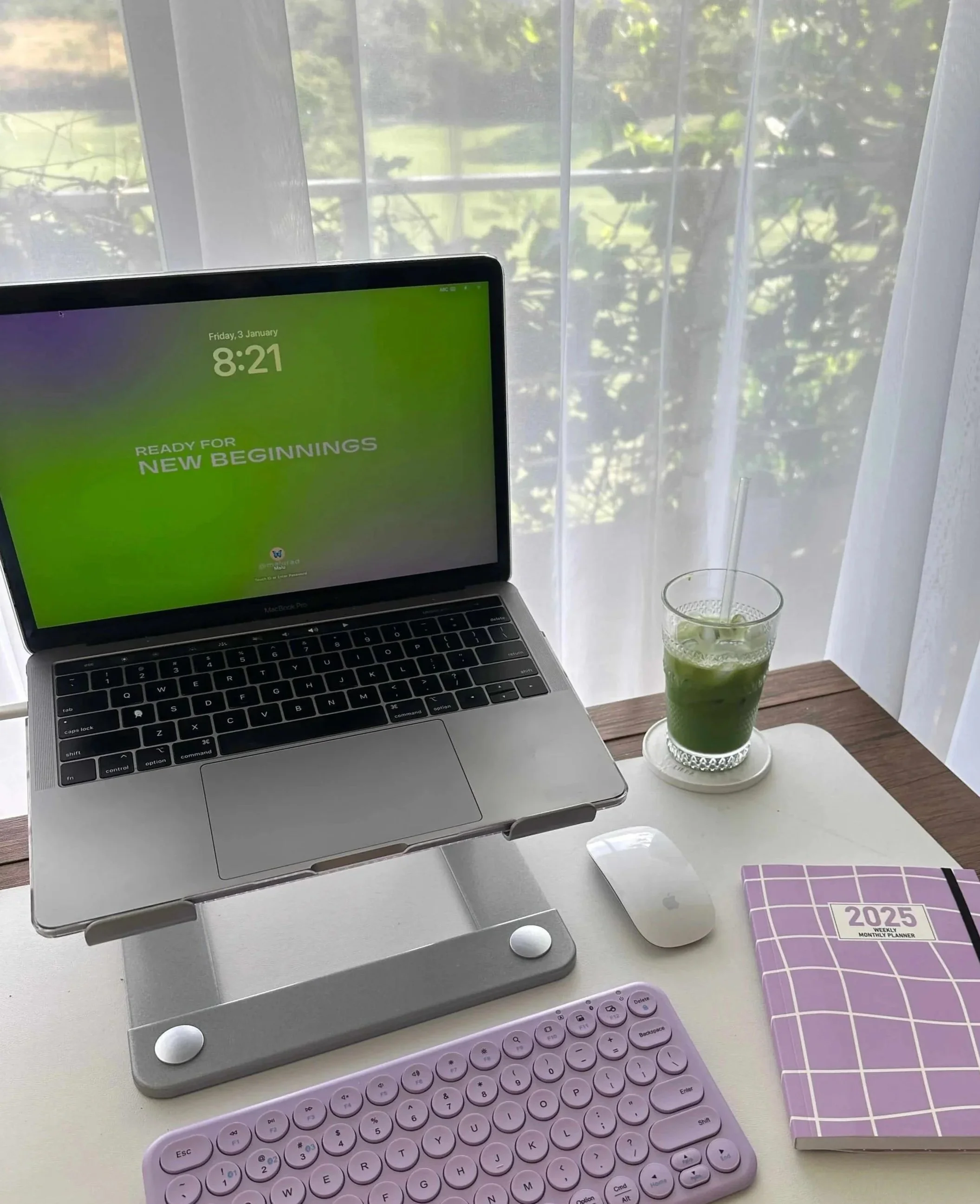
Most people accept daily neck stiffness, wrist fatigue, or eye strain as the inevitable price of working at a computer - but you don’t have to!
Start by adjusting your monitor height so your eyes meet the top third of the screen while looking straight ahead. If you don’t own a monitor riser, stacking two or three sturdy hardcover books achieves the same effect for free.
You can also reduce severe screen glare by positioning your desk lamps or window light sources to the side, rather than aiming them directly behind the monitor glass.
Laptop users should add an external keyboard and a separate mouse to reduce uncomfy wrist bending. This will help you maintain an in-line, neutral posture. Relying solely on a built-in trackpad forces your hands to bend awkwardly for hours at a time.
If a brand-new ergonomic office chair sounds too pricey, slide an inexpensive foam lumbar cushion against your lower back. This helps your posture and feels much more comfortable!
Closing Thoughts
Thank you for reading “3 Simple Tech Upgrades You'll Wonder How You Lived Without (For A More Organized & Efficient Setup).”
For handmade digital art prints, icon packs, wallpapers, & more designed by me, be sure to stop by my digital boutique: Designed By Nikki Lo.
Connect with me!