FREE Dreamy Notion Template You’ll Be Obsessed With (Weekly Planner, Habit Tracker, Reading Tracker & Travel Planner)
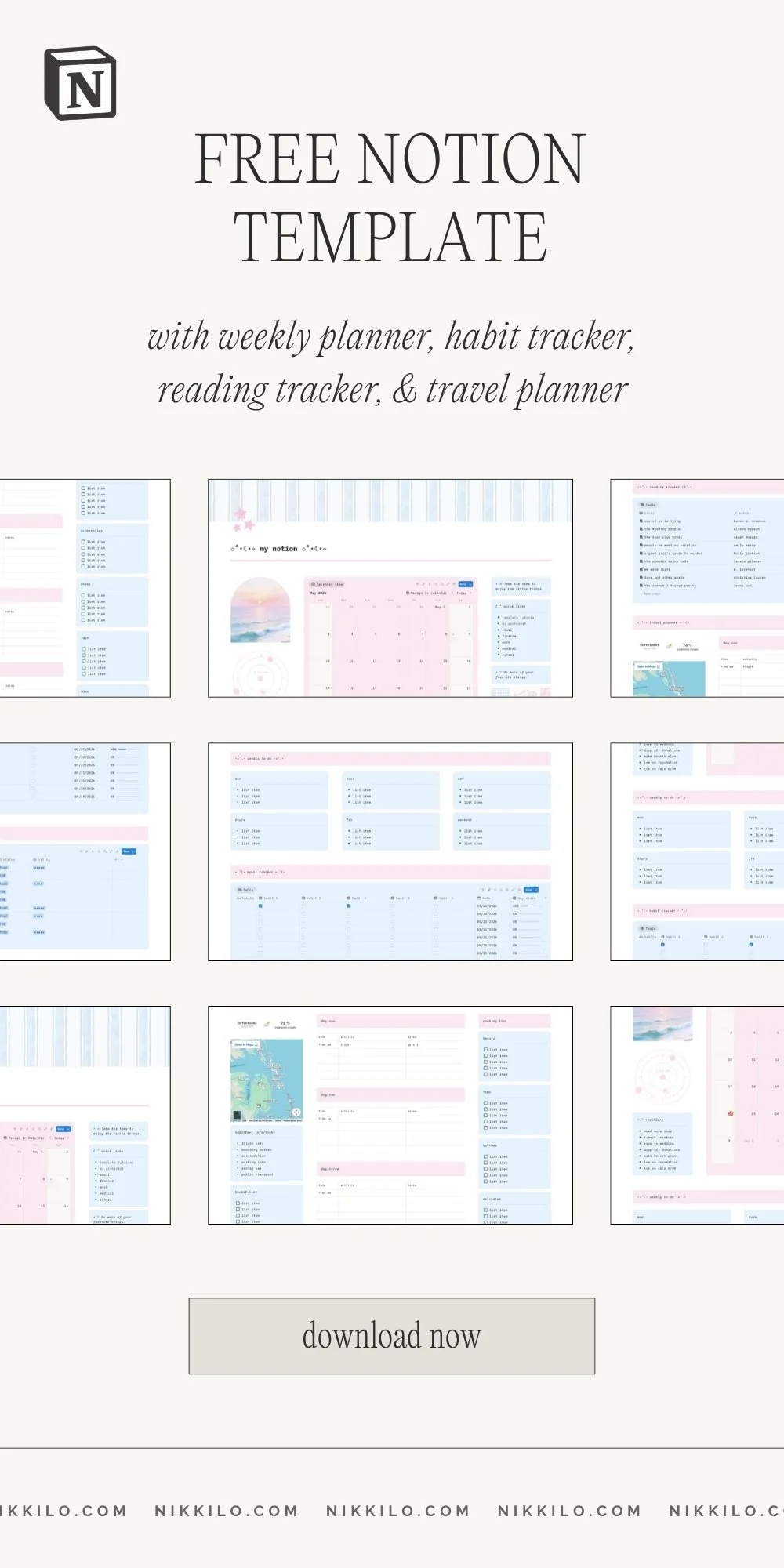
Hey guys! I’ve got a new free notion template I’m super excited to share with you. I’m obsessing over the pink and blue theme with this one! I wanted it to feel super soft and dreamy with coastal vibes.
This template includes a main dashboard, weekly planner, habit tracker, reading tracker, and travel planner. In this post, I’m breaking down each section and showing you how to use all of the features in this notion template. Let’s get into it!
Template Overview
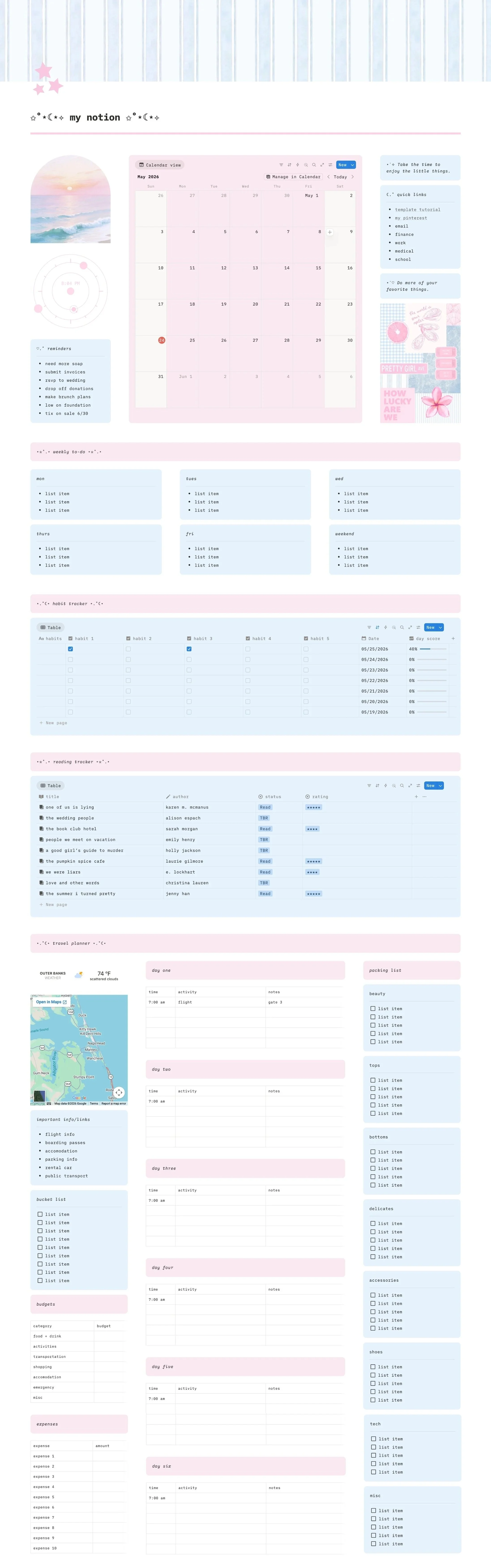
So, here’s an overview of this template so you can see how it looks as a whole.
Video Tour & Tutorial
“Welcome” Section
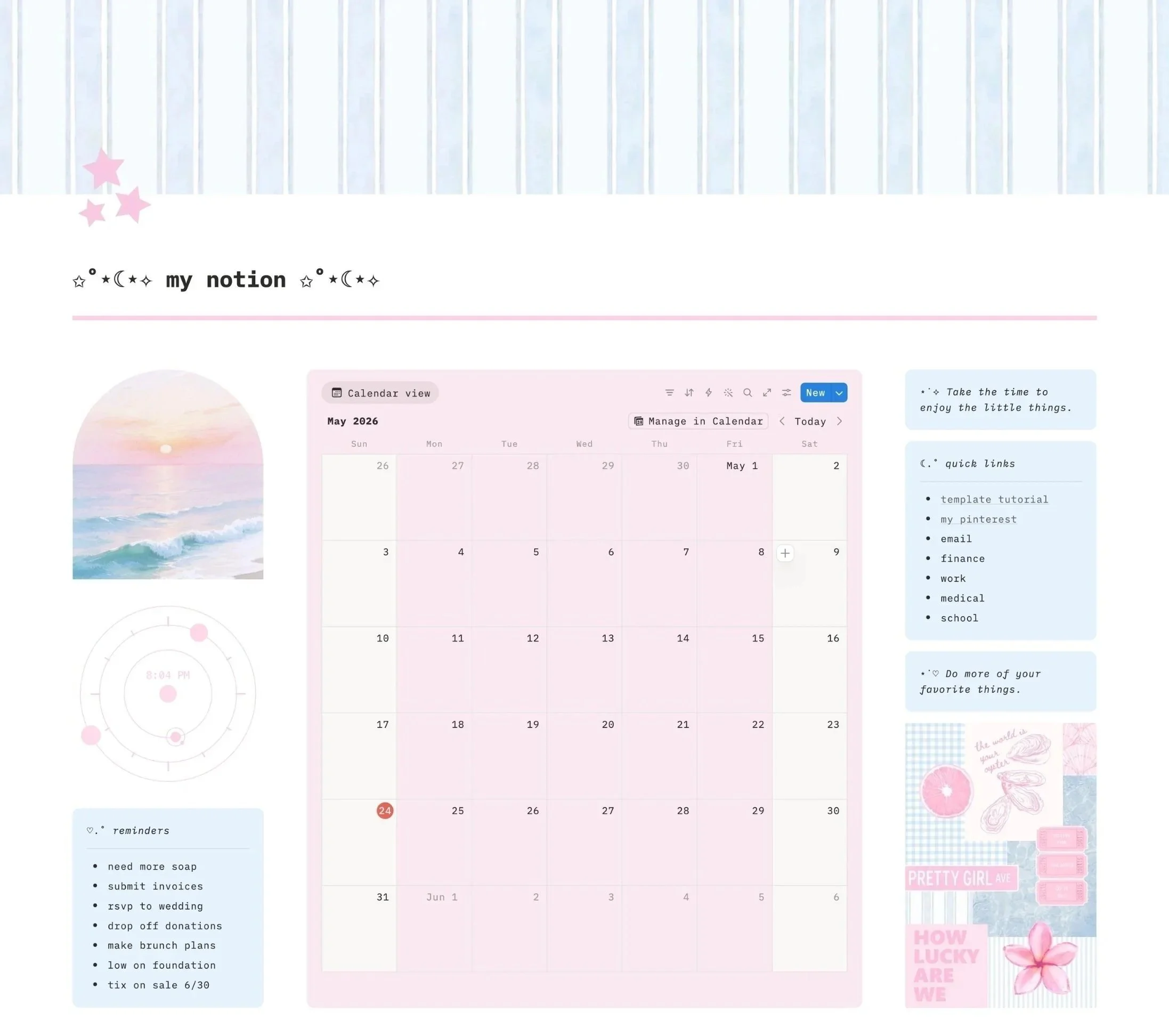
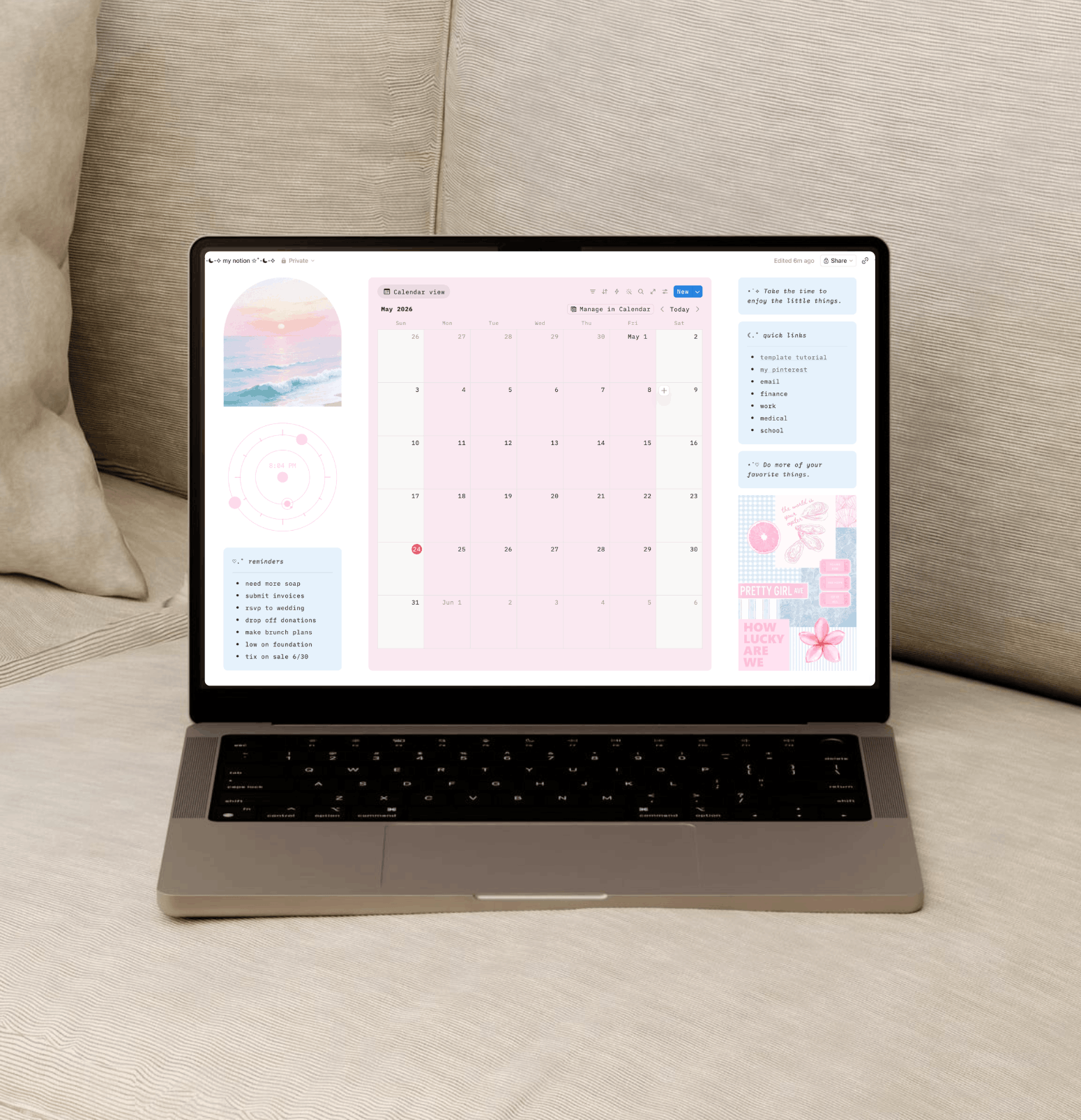
Let’s start at the top! Here’s your main dashboard, which has a calendar, sections for quotes, important links and reminders, and some cute widgets.
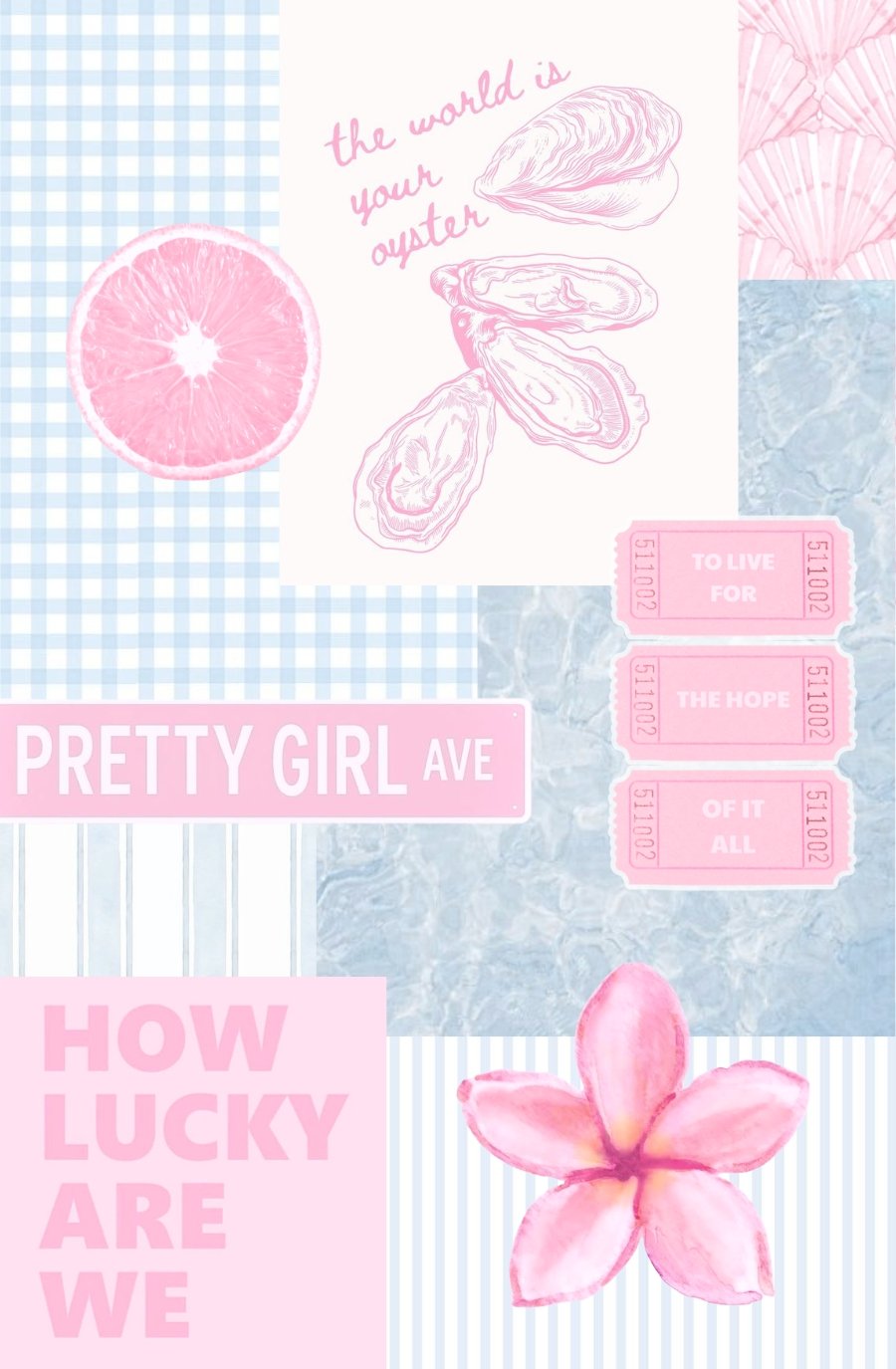
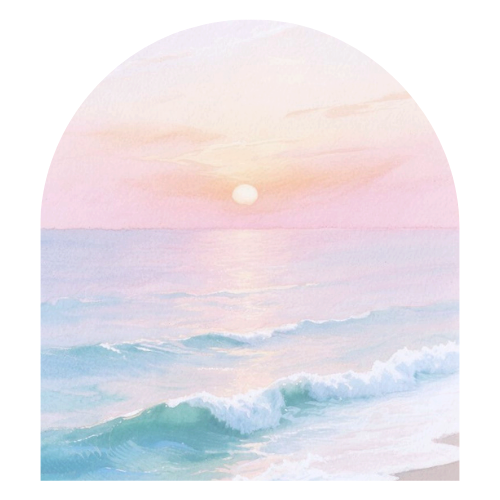
By the way, the arch image and the collage mood board are available as free Canva templates if you want to customize them! I have them linked at the bottom of this post.
Weekly To-Do
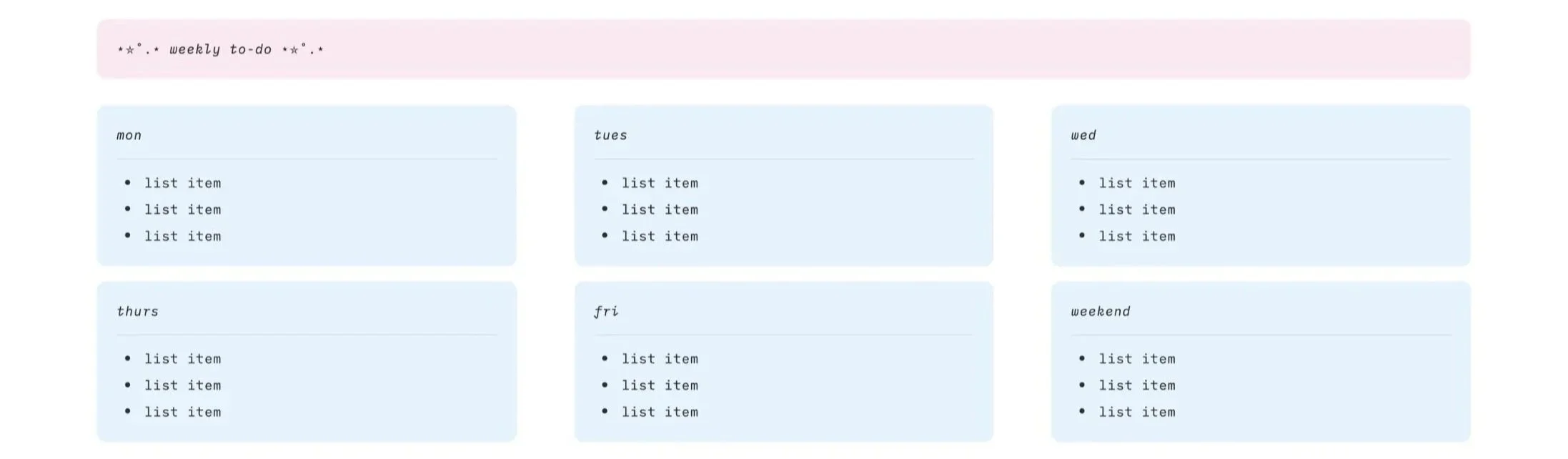
Next is the weekly to-do section, which includes a to-do list for each day of the week. To add a bullet point, place your cursor at the end of a line and press enter.
Cross off an item on your to-do list by highlighting text and clicking the “s” with the line through it in the menu that pops up.
Related: This FREE Notion Template Organizes Your Life With A Neutral, Minimal Aesthetic
Habit Tracker
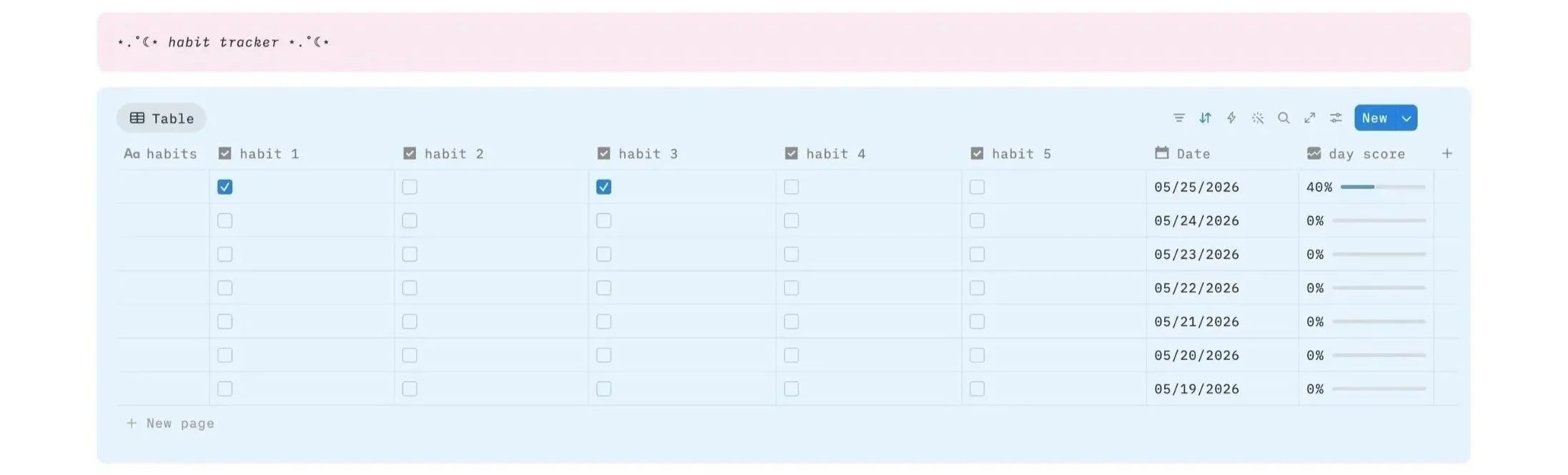
This section is your habit tracker. Each row represents a day, and you check off your habits as you complete them. At the end of each row there’s a day score that reflects what percent of your habits you completed for the day.
Edit the habits at the top by clicking on them. Add a new row by clicking “new page” at the bottom or the blue “new” button. Edit the date by clicking on it.
Reading Tracker
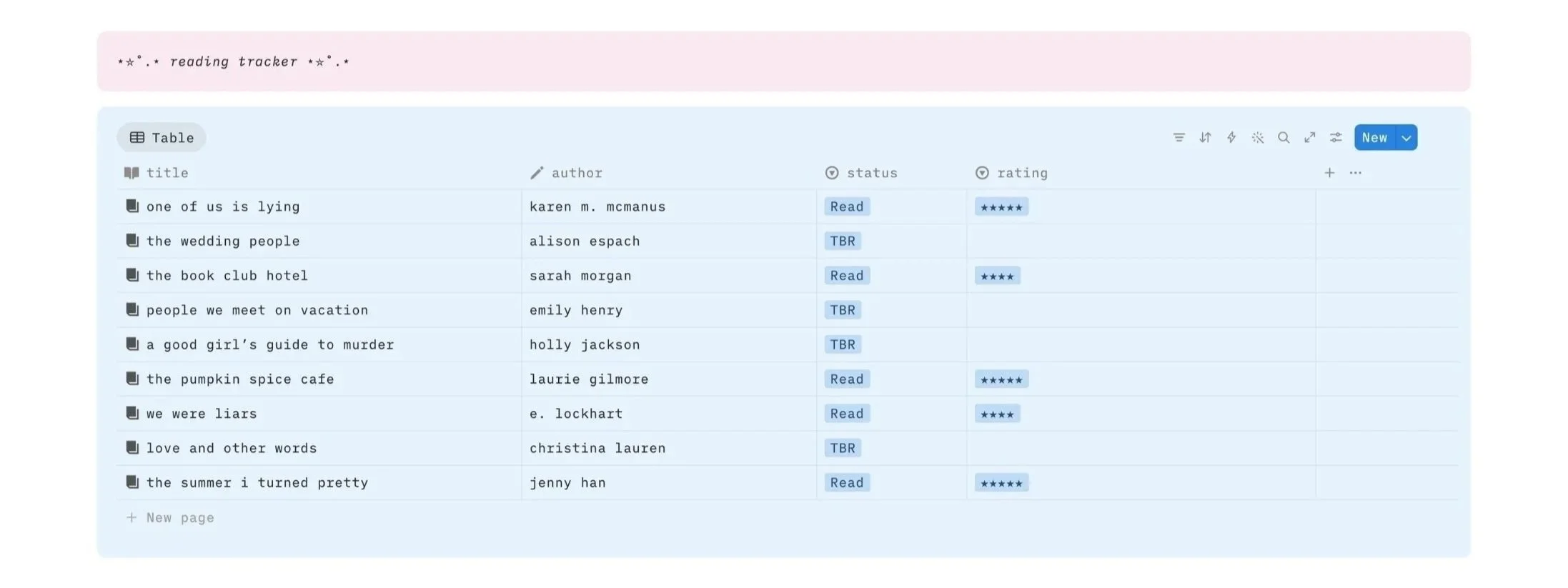
And here’s our reading tracker! You’ve got columns for title, author, status (read or TBR), and rating. To choose your status, simply click on the box and select from the option.
If you start typing, you can also add a new status from here. Click “clear table” below the tracker to clear it. Add a new row by clicking “new page” at the bottom or the blue “new” button.
Related: The Cutest (FREE) Notion Template For Anyone Obsessed With PINK!
Travel Planner
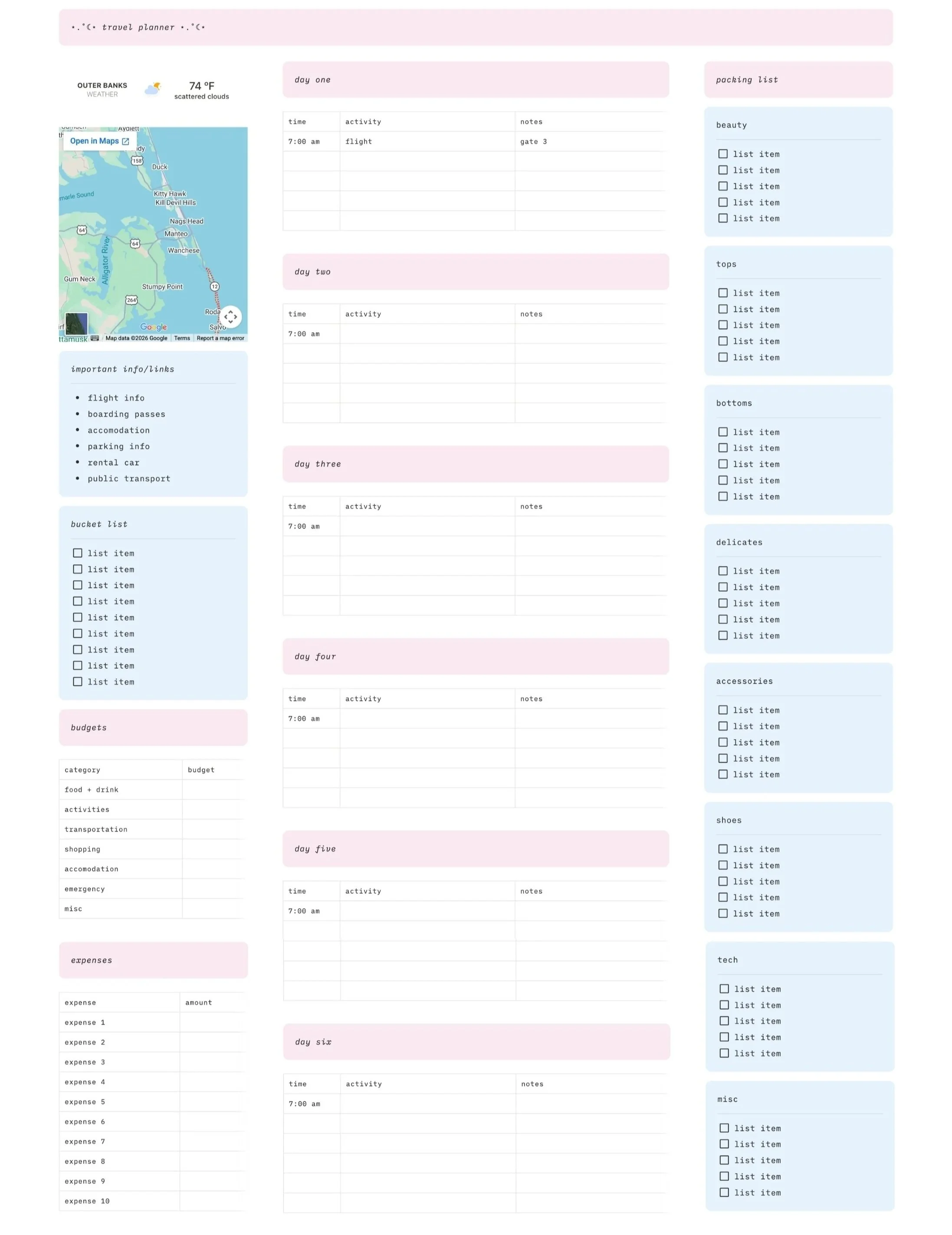
And now we have the travel planner! Let’s start with the left column. At the top is a widget that shows the current weather for wherever you’re traveling to. You can set the location by clicking it to go to indify.co or by just going to indify online and creating a free account/free weather widget.
Once you create your widget, copy the link they give you and go back to Notion. Paste it in and then click “embed” to place your widget.
Below it is an interactive Google Maps widget, and below that is a simple budget/expense tracker for your trip. Use the top table to set budgets for different spending categories and the one below to track what you’re spending.
The middle column is for your daily itineraries. Each table is a day, and has columns for time, activity, and any relevant notes or info. Add a new row to a table by mousing over the bottom and clicking the button with the plus icon.
If you’re going on a long trip and need more tables, duplicate a table by mousing over it, clicking the six dots at the upper left corner, and clicking" “duplicate.”
The right column is your packing list. Check off items as you pack them. Duplicate lines of text or boxes by mousing over them, clicking the six dots, and clicking" “duplicate.”
All The Tempates In This Notion
More Tricks To Make Your Notion Aesthetic
More Cute Digital Stuff In The Shop


Closing Thoughts
Be sure to save this free notion template to Pinterest so you can come back to it later. Thank you for stopping by and I hope this helps you out. Happy planning!
Read this next: 32 EASY Ways To Make Your Notion Aesthetic For Beginners
For handmade digital art prints, icon packs, wallpapers, & more designed by me, be sure to stop by my digital boutique: Designed By Nikki Lo.
Connect with me!